Q2 Internet Radio Application Installation Instructions
This software is designed to work with MAC OSX:

Please note: Do not connect the Q2 Internet Radio
to the computer before instructed to do so below
Installation
- Please uninstall any previous version of the Q2 Internet Radio Setup
Software.
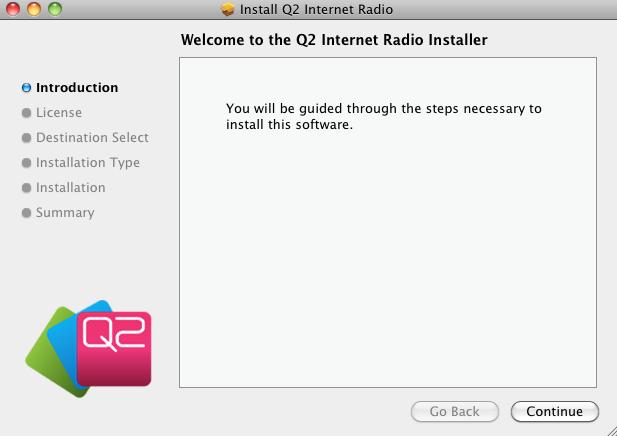
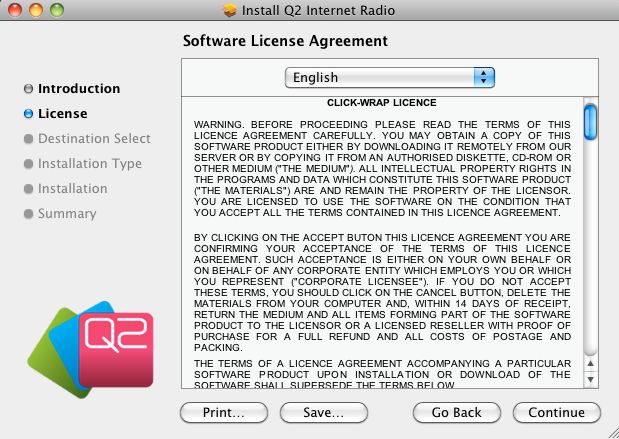
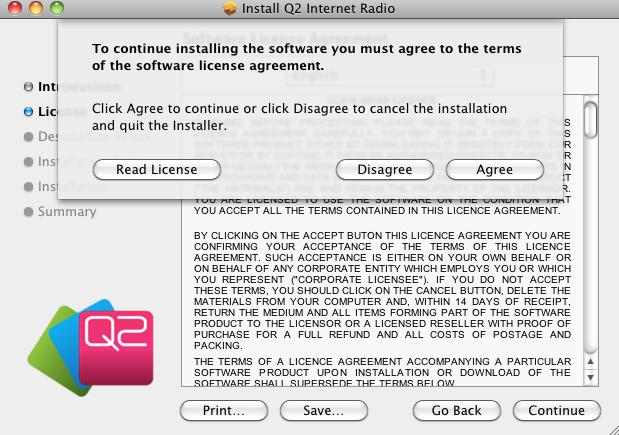
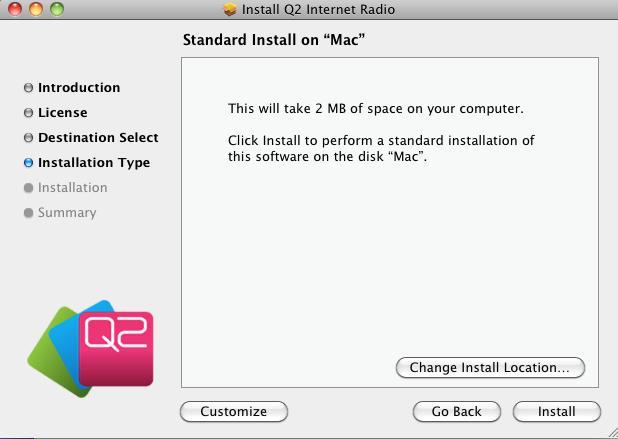
- Double-click on the downloaded file Q2 Internet Radio.dmg to start the
setup application. Please choose the following settings for each page of the
setup wizard.
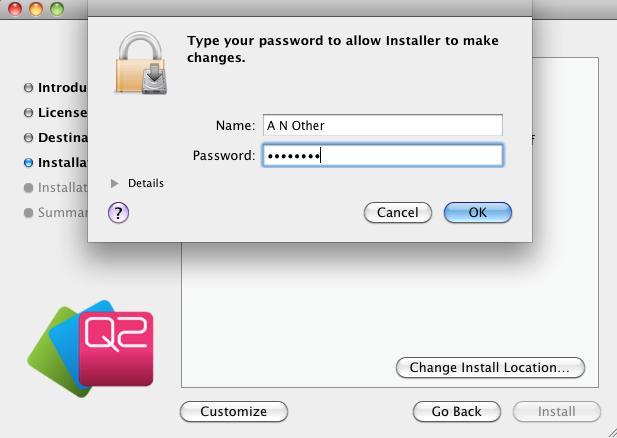
- Please type your Name and
Password
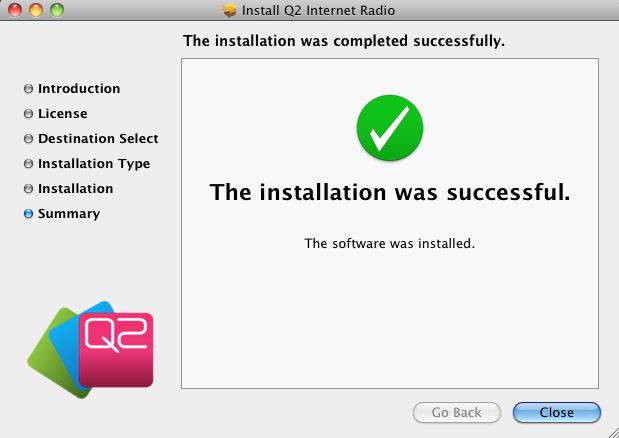
Connecting the Q2 Internet Radio
- When setup is complete you can connect your Q2 Internet Radio via the
provided USB cable. Make sure the radio is switched
on.
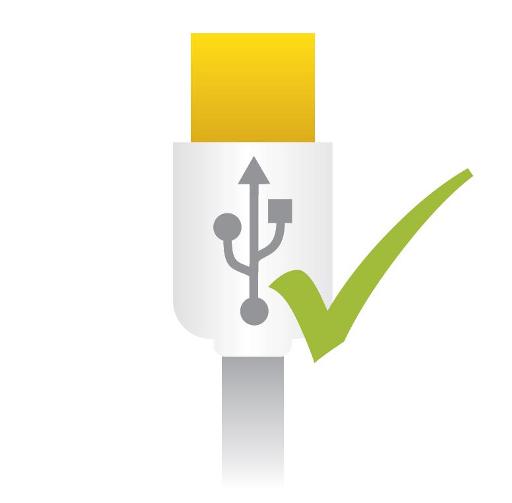
- The Q2 Internet Radio application should now be properly
installed. To setup the Q2 Internet Radio you can now run the application from
the Applications menu.